How Does a Colleague Gain Access to the Application
Modified on Tue, 7 Mar, 2023 at 10:59 AM
TABLE OF CONTENTS
Introduction
This article will explain how colleagues not currently set up with a login can register for the AdviseInc Platform.
Step-by-Step Guide
1. They shall first need to go to the AdviseInc Platform homepage.
2. As they are not yet registered, the next step is to click the registration page link shown below.

3. They will then need to complete the registration form pictured below.
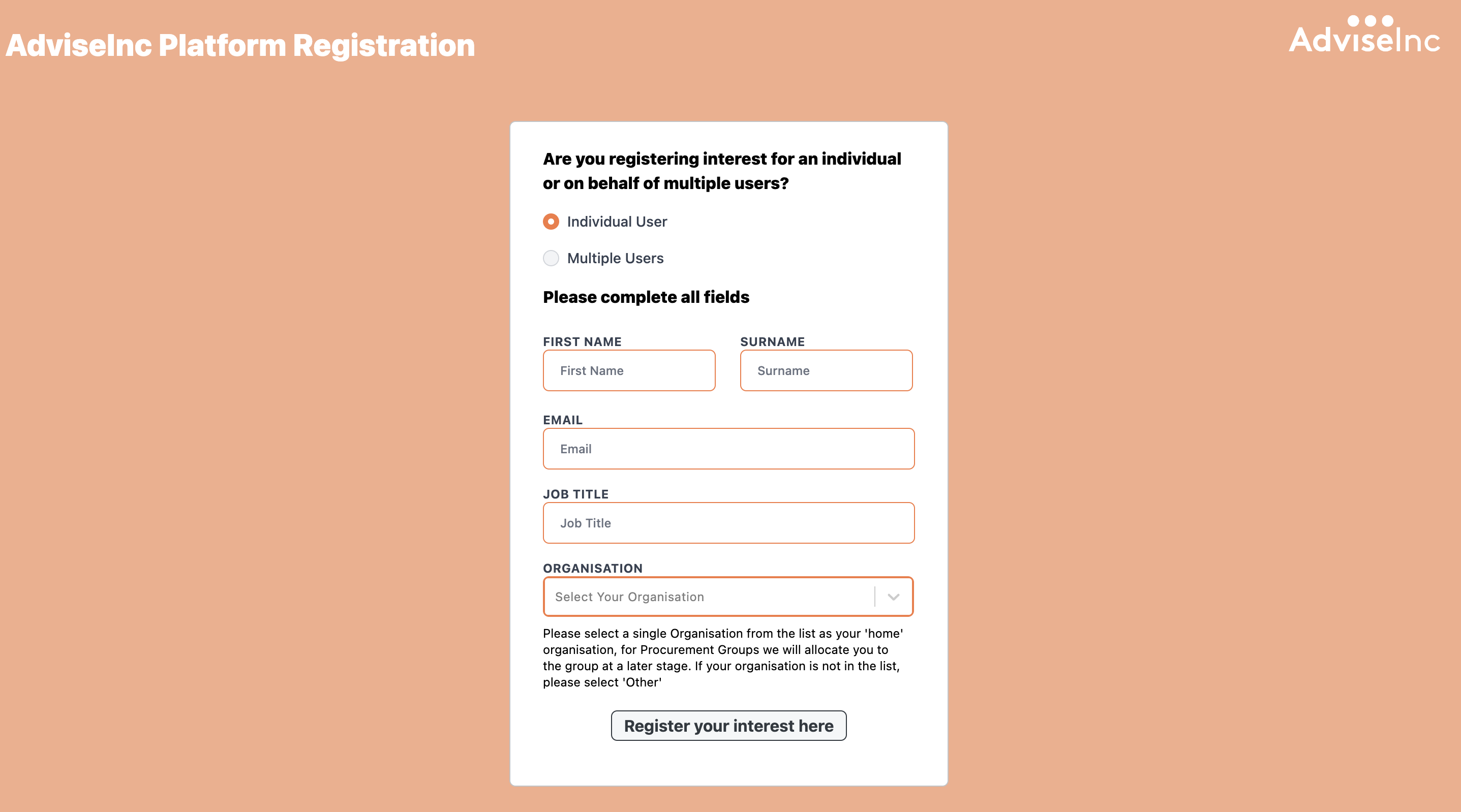
4. Once the above has been completed, we will contact their senior management team for approval, and once granted, will create a new login. These login details will then be provided to the colleague who has registered.
5. Training sessions will be made available throughout the onboarding journey.
If you have any questions, please don’t hesitate to get in touch at support@adviseinc.co.uk or phone us on 0207 112 9222.
Was this article helpful?
That’s Great!
Thank you for your feedback
Sorry! We couldn't be helpful
Thank you for your feedback
Feedback sent
We appreciate your effort and will try to fix the article