How to View Route Switch
Modified on Mon, 13 Jan, 2025 at 2:54 PM
TABLE OF CONTENTS
Introduction
This article will demonstrate how you can view the Route switch opportunities for your organisation.
Step-by-Step Guide
Route Switch
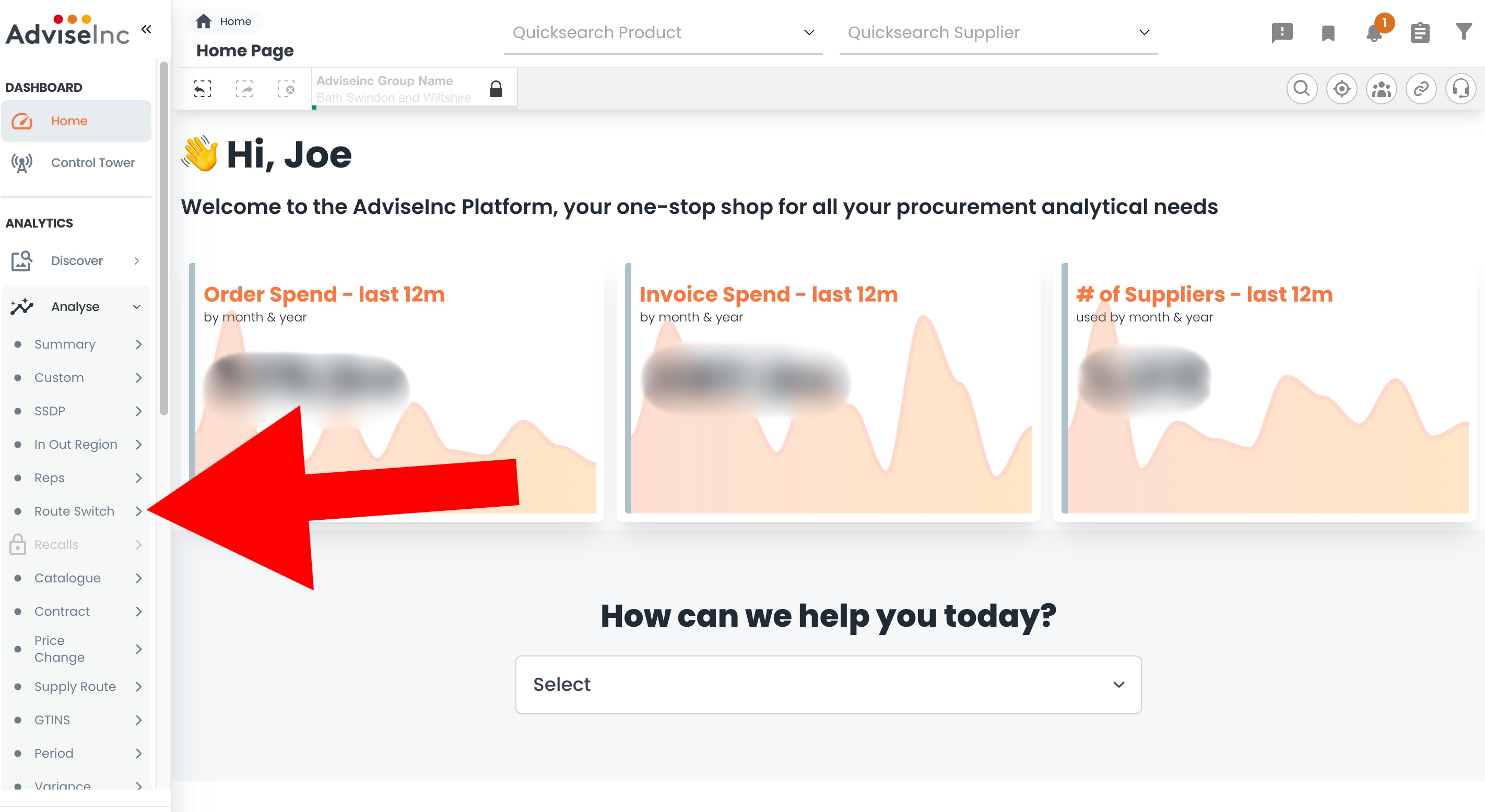
1. Select the 'Analyse' section, and from the drop-down, go to the 'Route Switch' page.
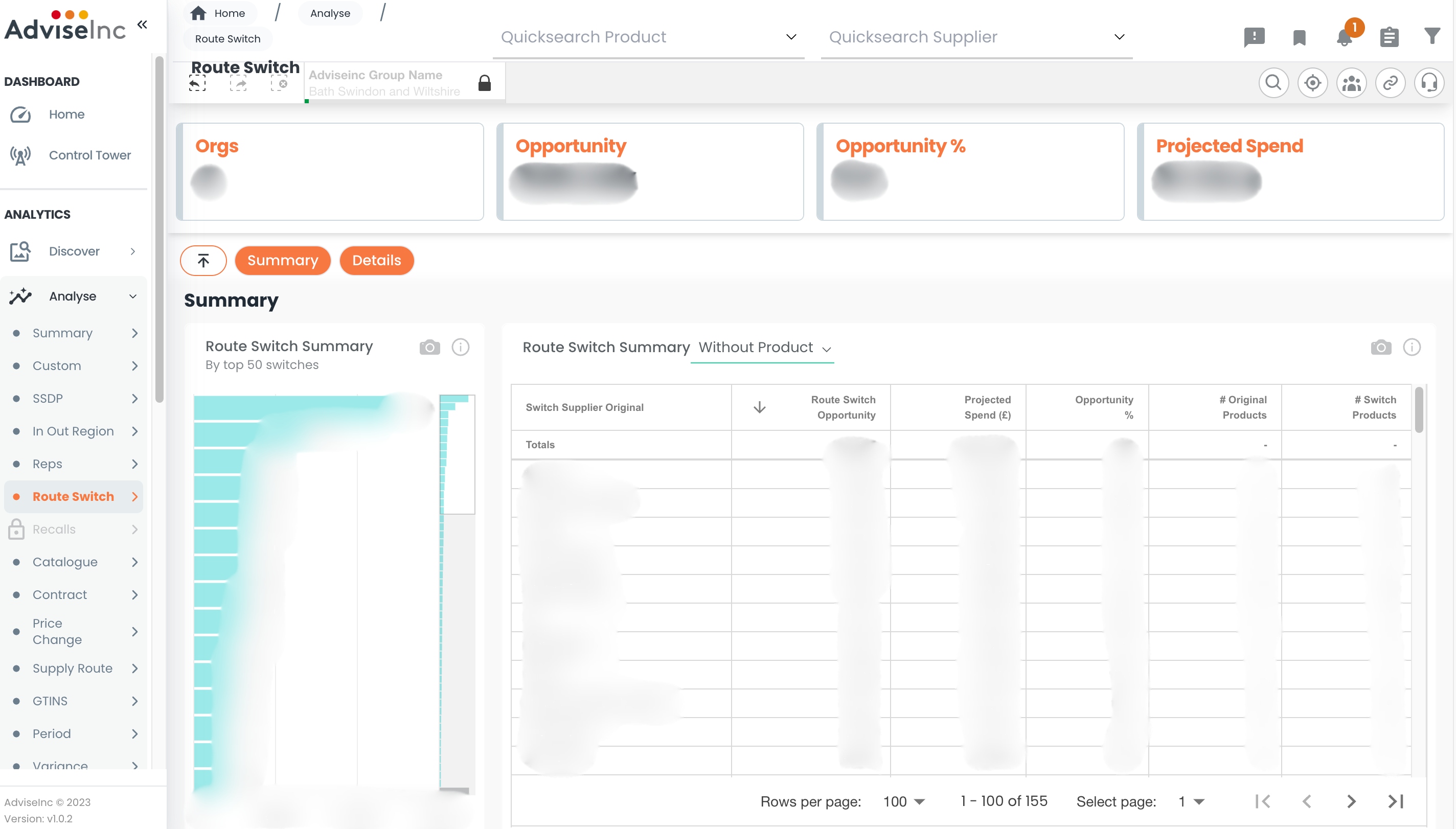
2. You can now view your organisation's top 50 Route Switch opportunities at a summary level on the left, or can take a more detailed view via the table on the right. You can view the table by Route Switch without product or with product by using the drop down options in the table heading.
Notes And Tips
1. All Route Switch opportunities are for switching the supply route to NHSSC.
If you have any questions, please don’t hesitate to get in touch at support@adviseinc.co.uk or phone us on 0207 112 9222.
Was this article helpful?
That’s Great!
Thank you for your feedback
Sorry! We couldn't be helpful
Thank you for your feedback
Feedback sent
We appreciate your effort and will try to fix the article