Multi-Factor Authentication (MFA) Setup
Modified on Thu, 20 Mar, 2025 at 9:30 AM
TABLE OF CONTENTS
Introduction
We're rolling out Multi-Factor Authentication (MFA) for Platform from 18th of March, 2025. MFA has been implemented to enhance the safety and security of your account, ensuring that only authorized users can access the Platform tool.
Step-by-Step Guide
How often will I need to use MFA?
You’ll be prompted to complete the MFA process once a week to maintain secure access to Platform.
How do I set up MFA on my Platform account?
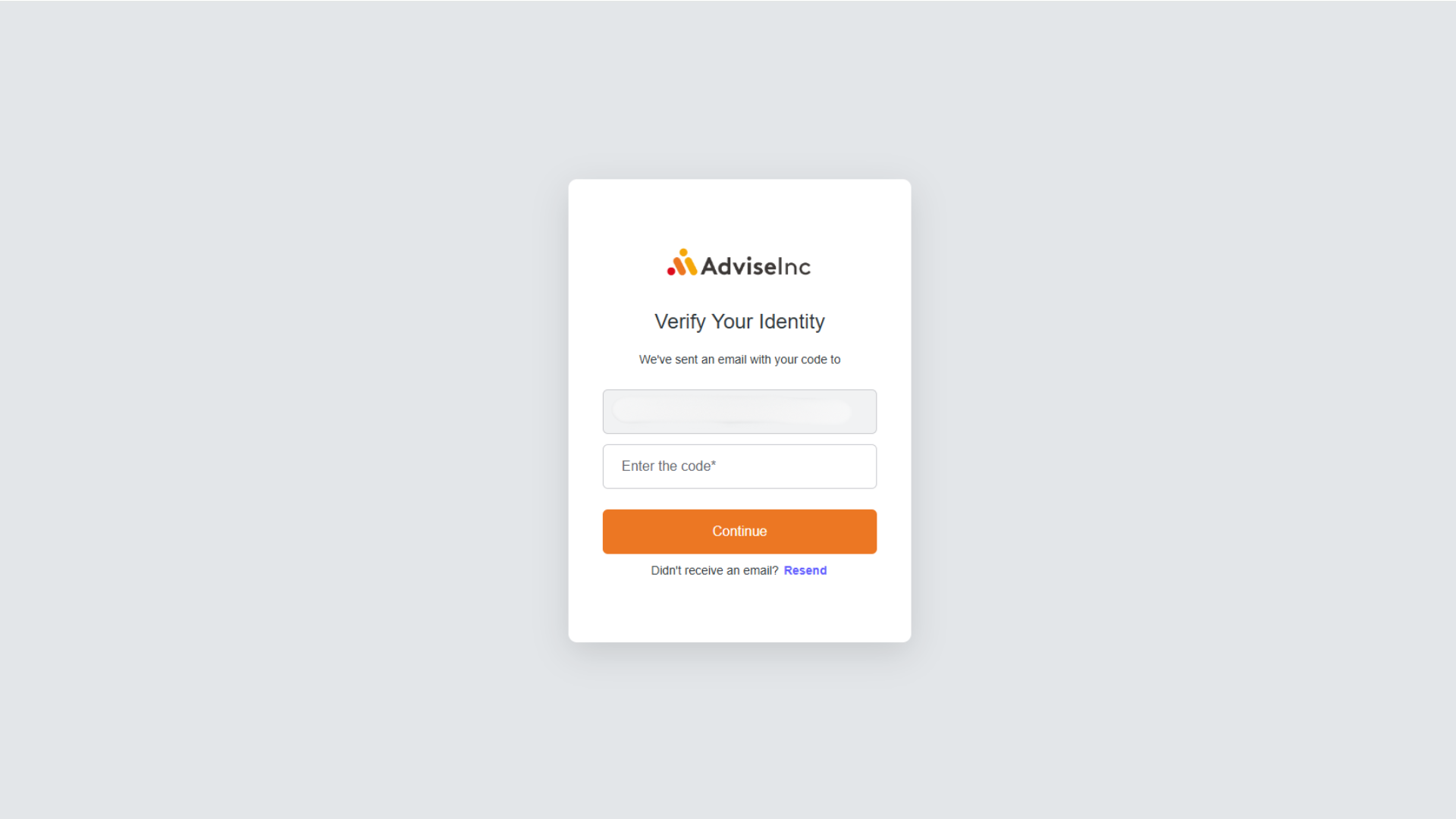
There is no setup process to enable MFA on your account. When logging into Platform, enter your username and password as normal, you will then receive an email from welcome@adviseinc.co.uk containing a one-time verification code. Enter the code contained within the email to securely log in to Platform.
What if I don’t receive the email with the verification code?
If you don’t see the email in your inbox, be sure to check your spam or junk folder or click 'resend' when asked to verify your identify as per screenshot above. If the issue persists, please contact us for assistance.
What if I have trouble setting up or using MFA?
If you run into any issues using MFA, or if you’re having trouble accessing your account, contact us at support@adviseinc.co.uk. Our support team is happy to assist you.
Was this article helpful?
That’s Great!
Thank you for your feedback
Sorry! We couldn't be helpful
Thank you for your feedback
Feedback sent
We appreciate your effort and will try to fix the article